Build an Open Source Kubernetes GitOps Platform, Part 2
· 13 min read
Konstruct sponsored this post.
GitOps practices and patterns
View All TagsKonstruct sponsored this post.

Konstruct sponsored this post.
When creating GitOps systems from scratch, one of the first things you'll want to do is get your gitops repository established in an accessible space so that you can begin to run your IaC and GitOps orchestration to build out your platform's infrastructure and apps. When starting from scratch there's an easy way and a hard way to do this.

Not long ago we announced that DigitalOcean was out of hibernation from its beta state, joining the kuberfirst’s officially supported clouds with Civo, AWS, and k3d. Since done, it gave us the opportunity to make kubefirst available in the DigitalOcean Marketplace also.

In the 2.3 release, we introduced the ability to manage the lifecycle of your workload clusters with our kubefirst console application. When you install the kubefirst platform for the first time, you'll receive a management, development, staging, and production cluster.
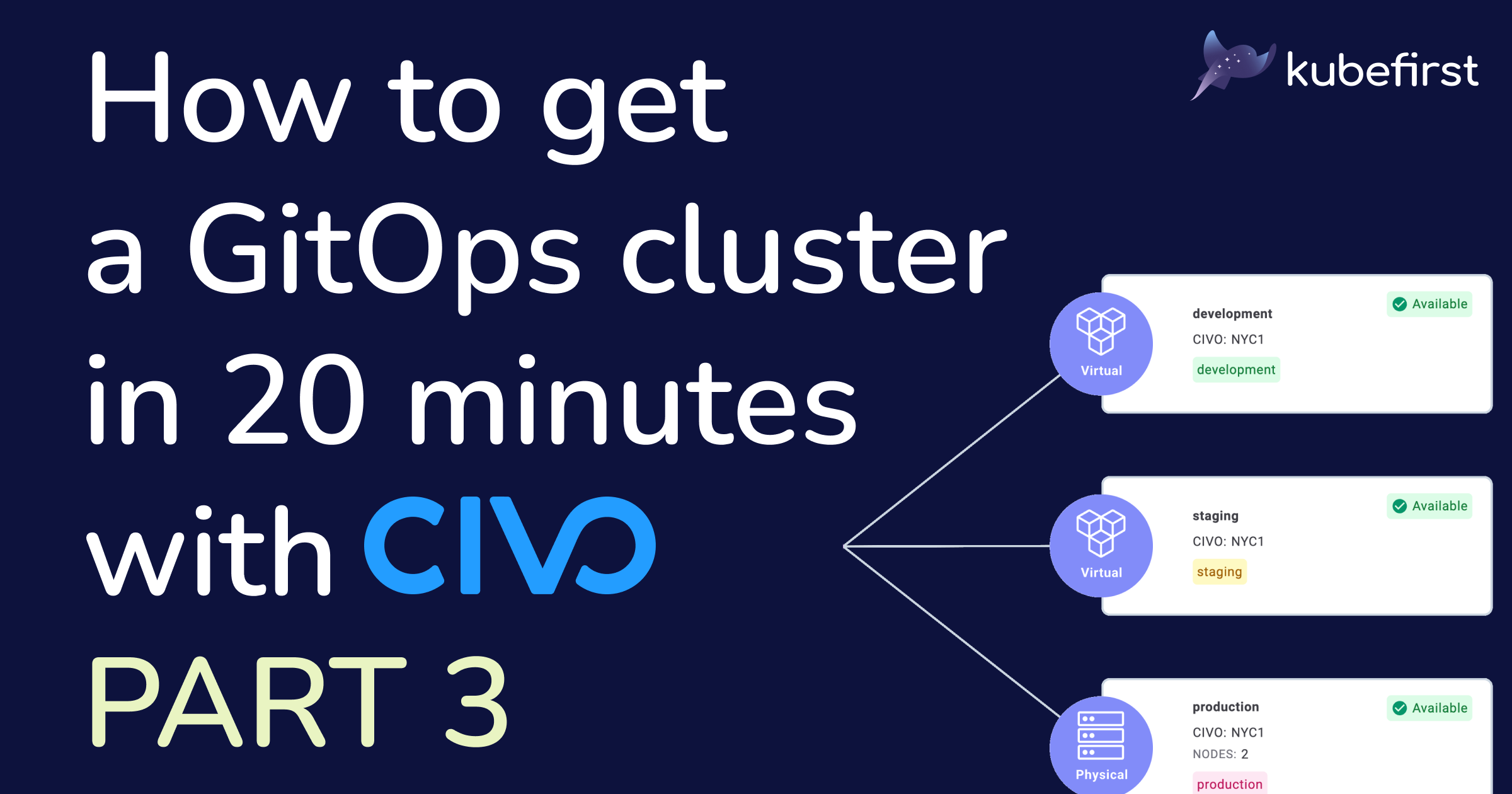
Welcome to the third and last part of this series on how to get a GitOps cluster in 20 minutes with Civo. The first article was about preparing for the magic to happen, and creating a production-ready management cluster with multi-cluster support. In the second one, we explored a little of the new cluster you created, and all its tools so you don’t navigate in unknown water. In this blog post, I’ll guide you toward some ways you can customize your new cluster, going from GitOps, to using our beautiful interface.
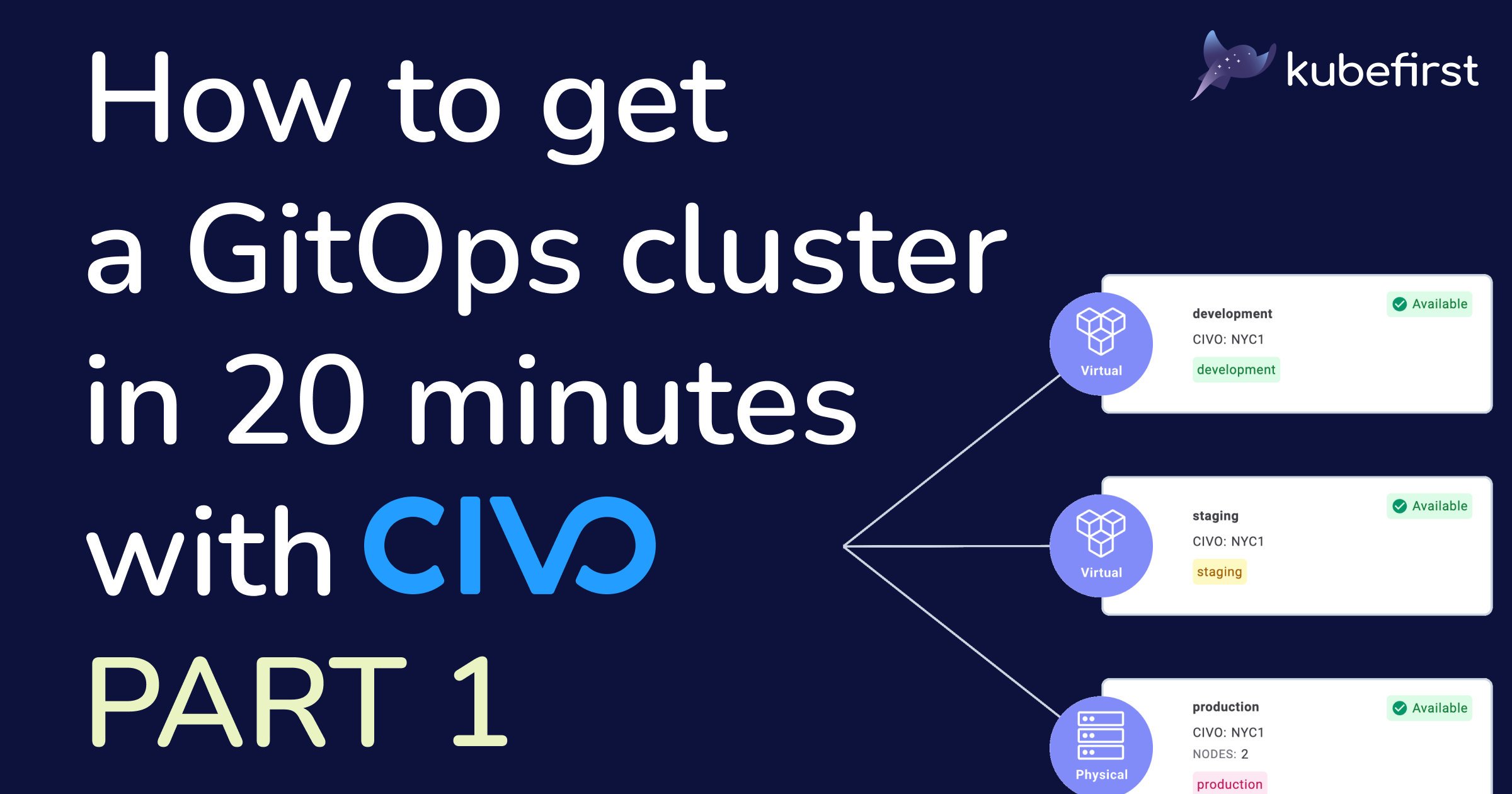
So you need to create a new Kubernetes cluster with all the (useful) bells and whistles like a Continuous Delivery (CD) tool, something to manage the applications’ secrets, and much, much more just to be able to deploy your application. We hear you, it’s a question of days, probably weeks even if you have the proper experience, and did exactly this before. Do not worry, we got you covered with kubefirst: you’ll be able to create a new management cluster with physical and virtual cluster management capabilities in only 20 minutes. Follow this step-by-step tutorial to know how.
I promised it to you, and it’s here: DigitalOcean is out of beta, which means it’s production-ready based on the high standards of the Kubefirst team! Not only that, it is the second cloud with full support for cluster lifecycle management of both physical and virtual Kubernetes clusters.
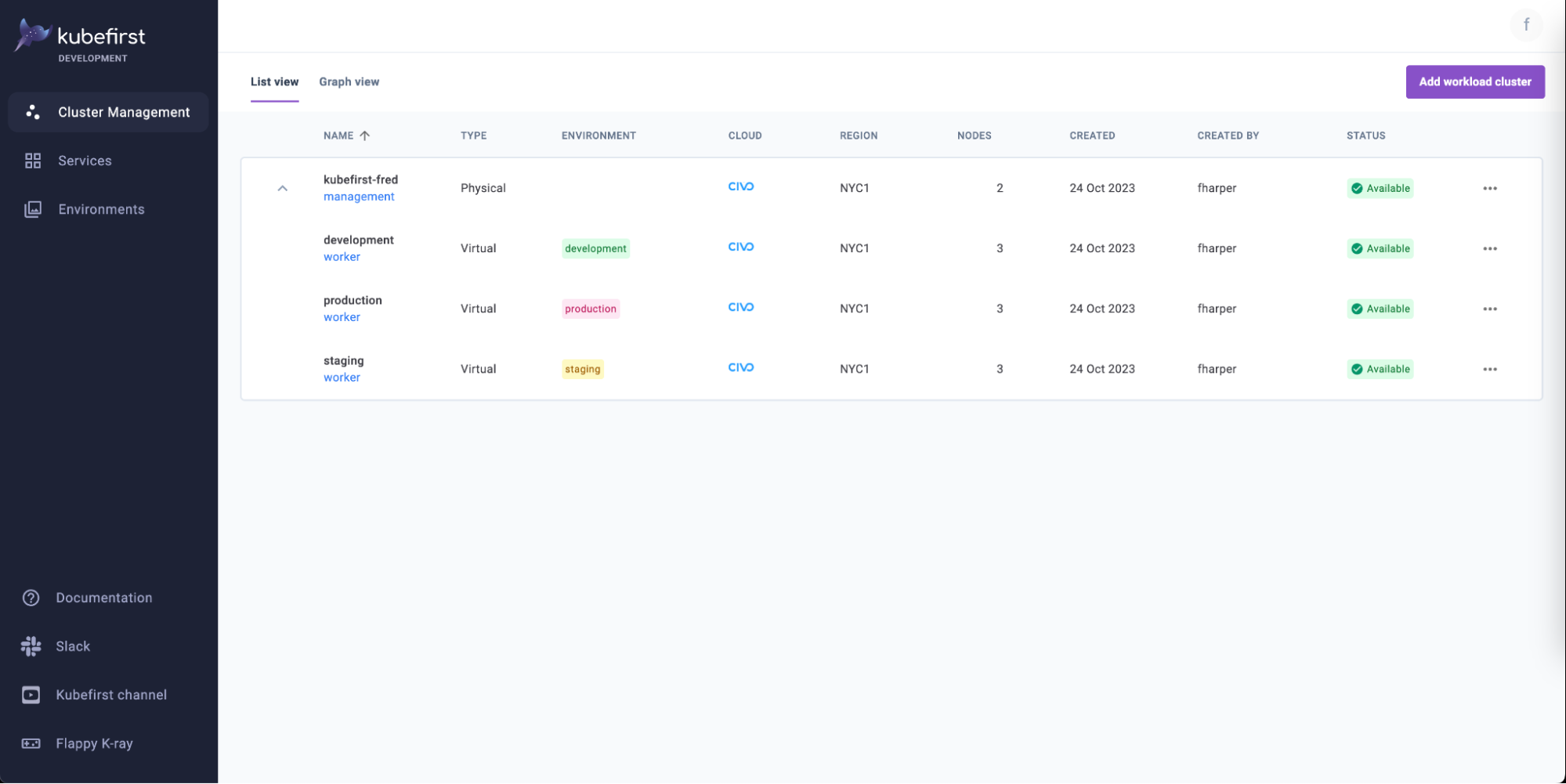
This is it, the moment you were all waiting for. Our most ambitious release in kubefirst’s history. The next steps in a glorious Kubernetes journey! You guessed it; the addition of physical multi-clusters and virtual clusters support.
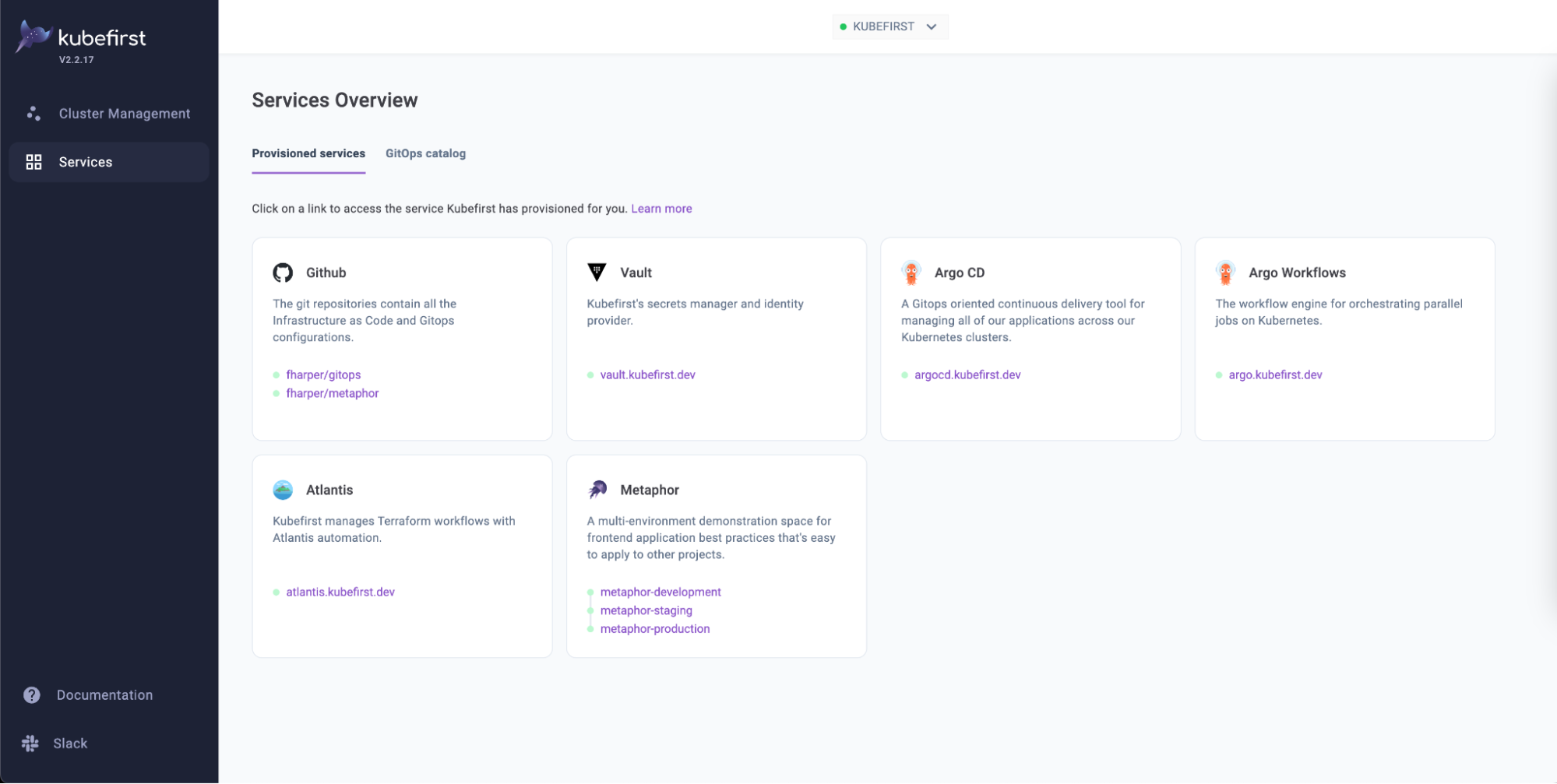
In this tutorial, I will show you how to use our CLI to deploy a new Kubernetes cluster in minutes, with the most popular cloud native tools running on your machine. We will deploy a new cluster locally, and we will explore some of its most useful features. With our new functional cluster containing already a lot of goodies, you will learn a bit more about the GitOps principles with your new "source of truth repository”, use Terraform with Atlantis to create new repositories within your management cluster, add a new user in HashiCorp Vault using code only, surf the Argo CD sync waves, and master the magic steps to deploy a new application in the cloud.